Business & travel VPN

Magixtry VPN keeps your team and your travels protected with encrypted tunnels on fast global servers. Allocate per-device usage limits, hide your team's location, and keep cloud and production systems open to your team only. Try it free: 0.1 GB with no email for testing, or 1 GB free when you sign in with your email.
WireGuard protocolChaCha20-Poly1305Per-device usage limitsTeam-only access

Setup in 4 steps

How to get connected.

Install WireGuard, download your config, and import it into the app. Works on Windows, macOS, Linux, iOS, and Android in under a minute.

1

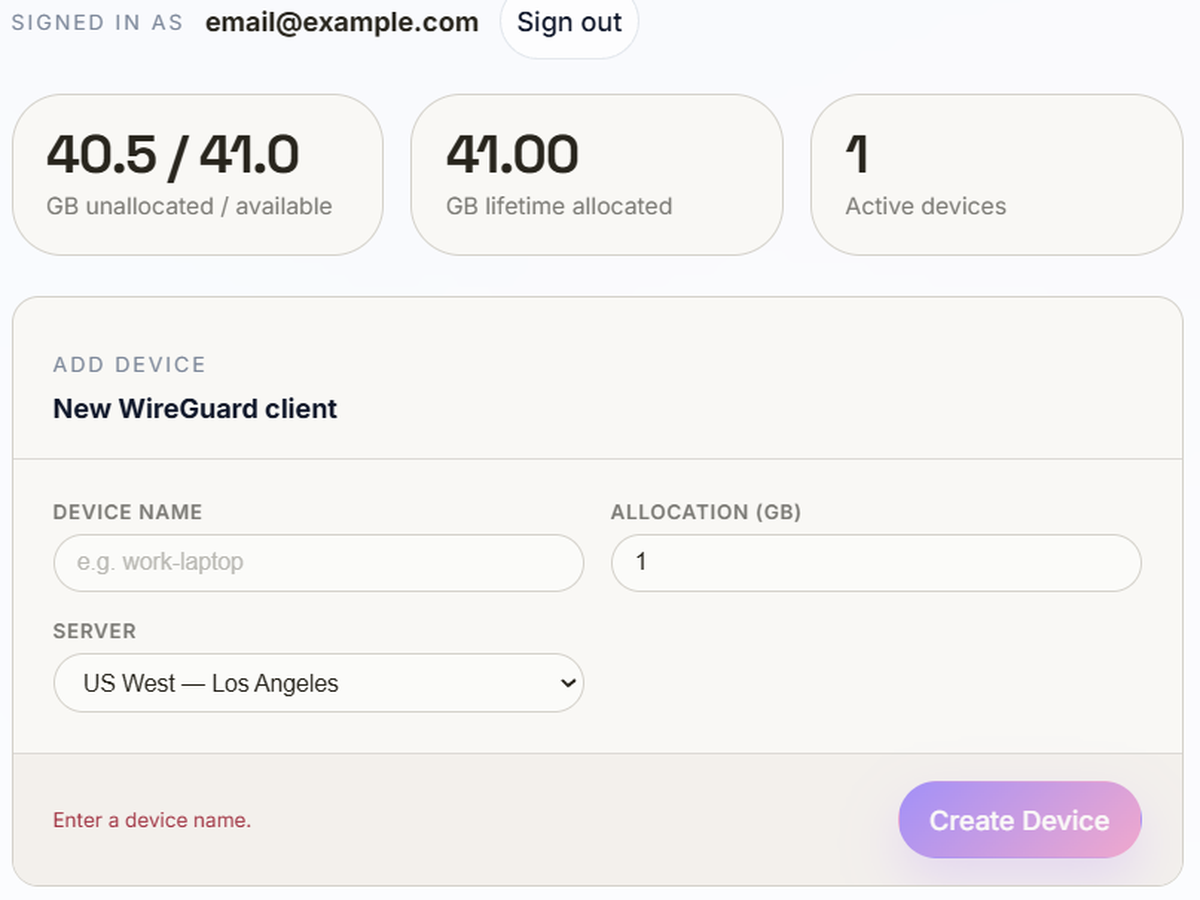
Generate Connection Config

Choose a plan and generate your .conf file. It downloads instantly and holds your private key — it never touches our servers.

Downloaded WireGuard config file
2

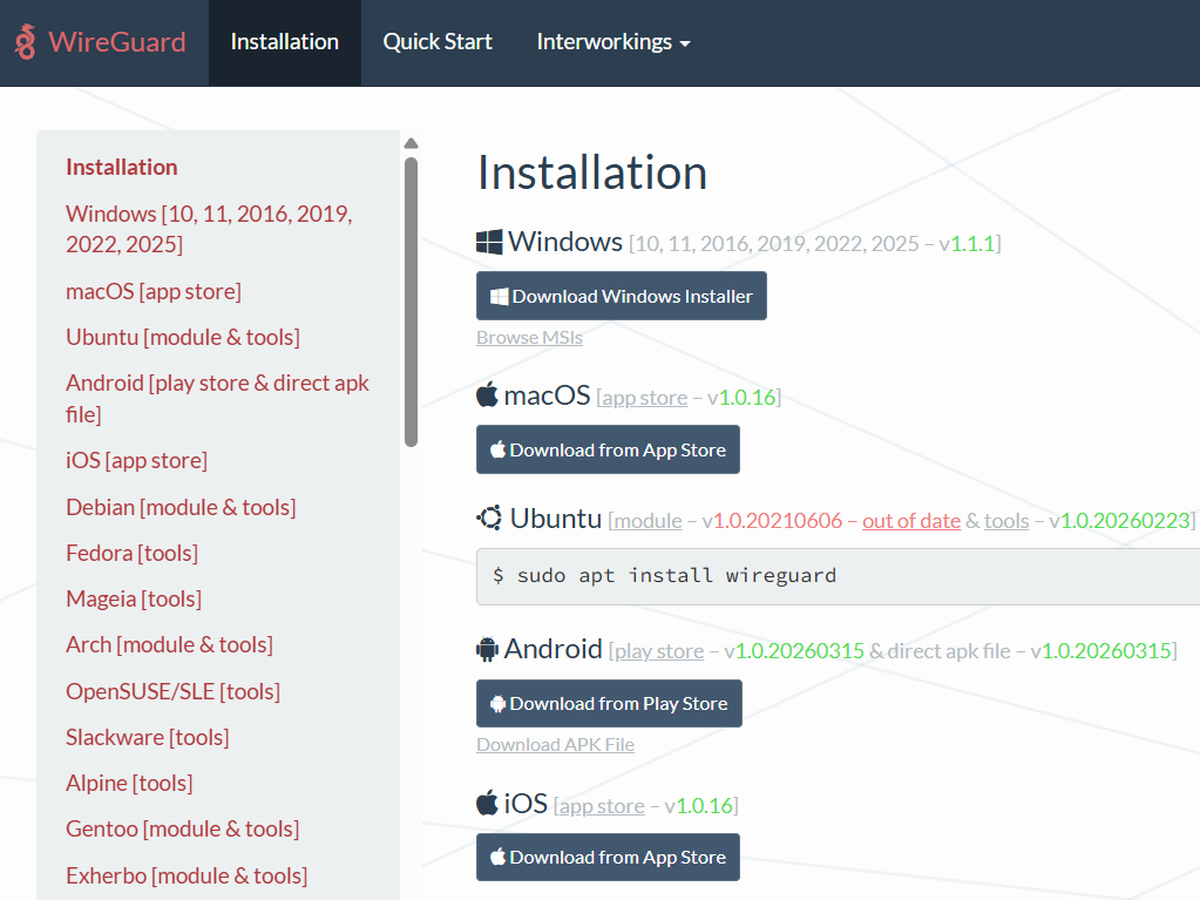
Install WireGuard

If it's not already on your device, download the official WireGuard app from wireguard.com/install. Free, open source, and takes seconds to set up.

Install WireGuard on your device
3

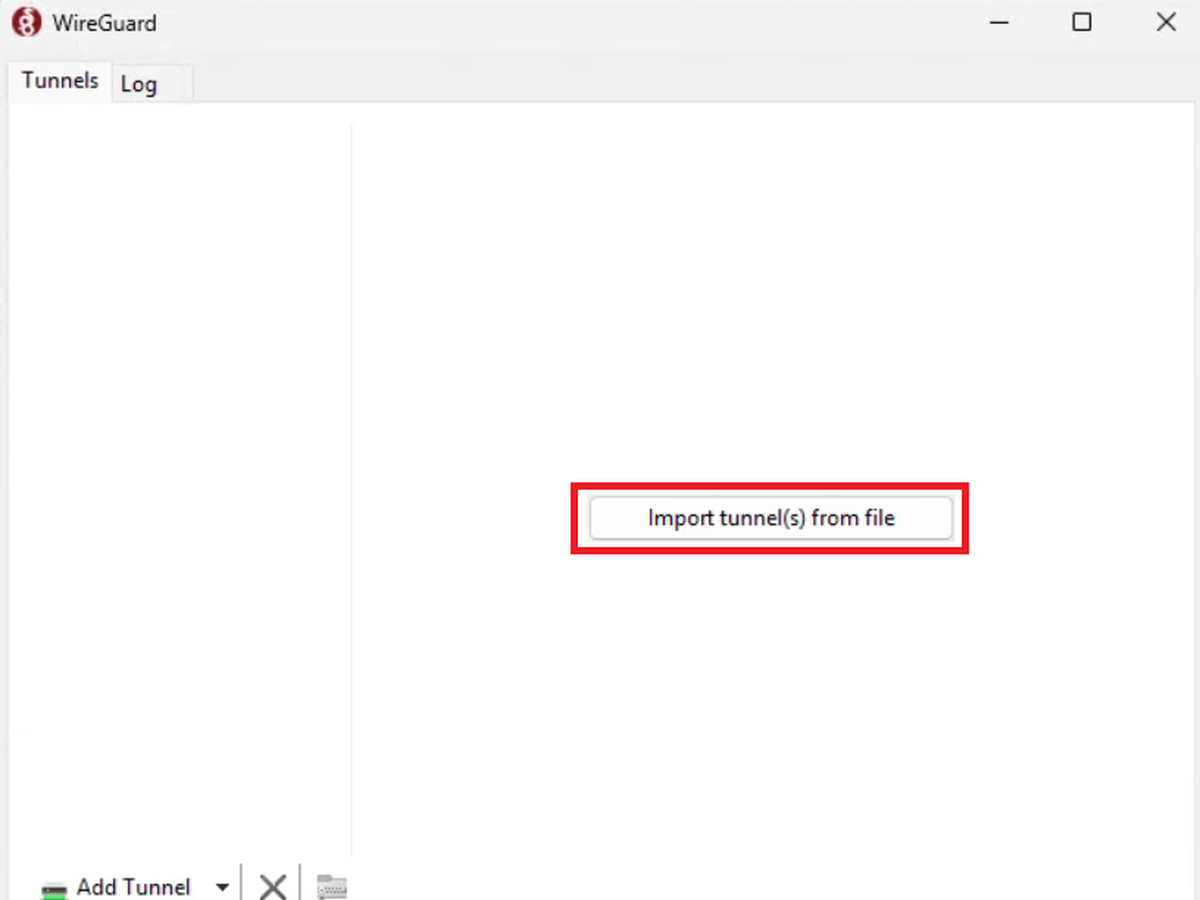
Import into WireGuard

Open the official WireGuard app, tap “Add tunnel”, and pick the file. No accounts, no logins, no bloat.

Import tunnel into WireGuard
4

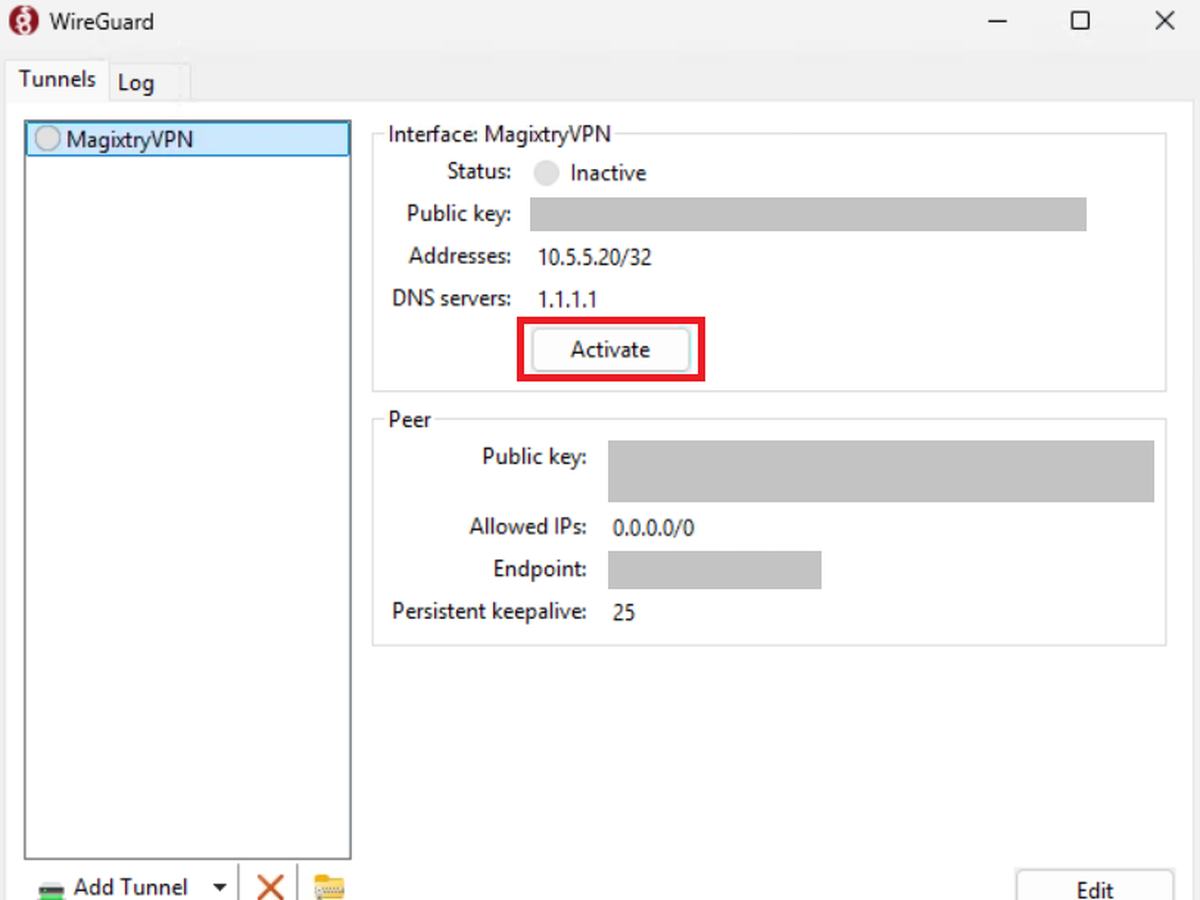
Connect & Go

Flip the tunnel on and you're protected. Every app routes through the encrypted tunnel — on any Wi-Fi, anywhere.

WireGuard tunnel connected
Test your connection: check that your IP address changed. Visit a site like IP Chicken, or run nslookup myip.opendns.com resolver1.opendns.com in a command prompt to see your public IP.

Your config is plain text — keys, address, and endpoint, nothing hidden. No installer, no bundled binaries, no extra bytes embedded anywhere.

travel-laptop.conf
# WireGuard Client Config — generated by Magixtry # Peer: travel-laptop | Plan: Business 200 GB [Interface] PrivateKey = wOEI3RgOPYAHMld9GaFPiTrS3pQkJ2NxVbcUoZqmW0A= Address = 10.8.0.2/32 DNS = 1.1.1.1, 1.0.0.1 [Peer] PublicKey = X4kP9mQzRnLsT2yDhBvWjUaFcNeYoK8bGxIlrJqZuMs= PresharedKey = 7fHnEqWvCpMtAxRzBsKdLuOiYgJcNwTePbSlQoXrVyZm= Endpoint = us-east-1.vpn.lambdavibes.com:51820 AllowedIPs = 0.0.0.0/0, ::/0 PersistentKeepalive = 25
Get the official WireGuard app at wireguard.com/install. WireGuard is open source, first released in June 2016, and powers many commercial VPN apps — we'd rather point you to the real thing than push a proprietary app on you. Magixtry is not liable for any issues arising from installing or configuring WireGuard on your device.

Security & threat blocking

Built to be trusted, not to track you.

WireGuard uses modern, minimal cryptography that is faster and simpler to audit than legacy VPN protocols.

ChaCha20-Poly1305

Authenticated encryption for every packet. Data sent and received is always protected.

No traffic history

Never recorded. Nobody has access to any data sent through your tunnel.

Malicious domains blocked

Known phishing and malware domains are blocked at the network level before they load.

.onion.top.cam.coupons.monster.cfd.click.lol.icu.sbs.bond.cyou.lat.ink.pw
If you need to access these domains, please use another VPN. Magixtry keeps them blocked on all plans.

Data estimates

What a gigabyte actually gets you.

Rough estimates for typical business and travel use. Real usage depends on your apps and settings.

Activity Typical use 0.1 GB 1 GB 10 GB 200 GB
Email & messaging ~10 MB ~10 hours ~100 hours ~1,000 hours ~20,000 hours
Web browsing ~60 MB ~1.5 hours ~16 hours ~160 hours ~3,300 hours
Phone calls (VoIP) ~60 MB ~1.5 hours ~16 hours ~160 hours ~3,300 hours
Video calls (720p) ~1 GB — ~1 hour ~10 hours ~200 hours
CAD & design files ~2 GB — — ~5 hours ~100 hours
HD streaming (1080p) ~3 GB — — ~3 hours ~66 hours
4K streaming ~10 GB — — ~1 hour ~20 hours

Sources: Netflix · Zoom · WhatsApp · Google Voice · Autodesk

Plans

Simple plans for work and travel.

Start free, no email required. Upgrade only when you need more data, devices, or a private server.

Free

No email
$0

0.1 GB to try it out. Request a fresh config whenever you need one.

0.1 GB data
All servers included
10 configs per location (lifetime)
Start Free

Starter

With email
$0

1 GB for a single device — just add your email.

1 GB data
1 device
All servers included
Get Starter

200 GB

Teams
$5

Protect your company or family by staying anonymous and hiding your location.
Good for limiting usage for users on your network or cellular plan.

Hide Your Location
200 GB data
10 devices
Per-device usage limits

1 TB

Production
$10/ TB

Restrict your logins, databases, and dashboards to your team — Cloudflare, MongoDB, Portainer, and more.

Hide Your Location
1 TB data
Private server
Dedicated endpoint
Team-only access to your infrastructure
Keeps your infrastructure secure

Try free

Generate a free config — no email required.

Pick a server below, then generate your free 0.1 GB config in one click.

One-click provisioning

Generate WireGuard tunnel

Click the button below. A unique WireGuard client config will be generated on the server and downloaded instantly — no setup required.